
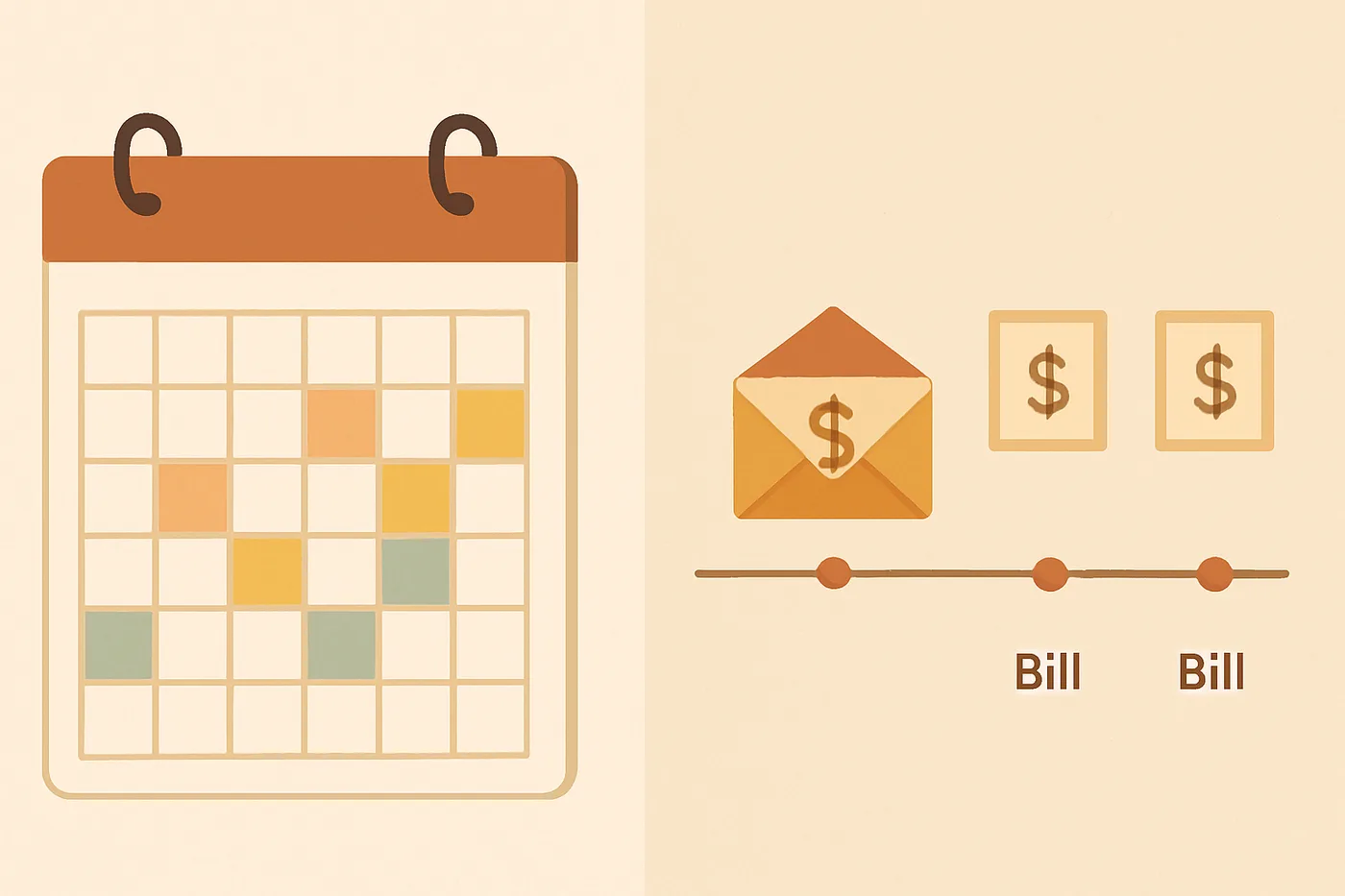
Paycheck budgeting vs. monthly budgeting
Budgetmend plans around pay periods — whether you get paid weekly, biweekly, or once a month. Here's why that matters and how monthly pay fits in.
The moment
The budgeting app said Denise had $800 left for the month. Her bank app said $200. Both were technically right — and that gap is exactly why monthly totals confuse people who live paycheck to paycheck.
The monthly view counted all her income. The bank counted what was still in checking after rent, the car payment, and utilities had already been spoken for. She needed a plan tied to when cash actually arrives, not just a month-end target.
Most apps budget by calendar month. Most people live by paycheck.
Traditional monthly budgets assume one lump of income arrives on the 1st and bills spread evenly across 30 days. In practice, income and bills rarely line up that neatly — even when you are paid once a month.
Paycheck-first budgeting asks a simpler question: between this deposit and the next one, what must be covered, and what is safe to spend today? That framing prevents overdrafts and makes tradeoffs obvious.
When paycheck budgeting beats a plain monthly total
Paycheck-first planning shines when cash timing matters more than a single monthly total:
- You are paid weekly or biweekly and bills do not match your deposit dates.
- You want a daily safe-to-spend number instead of guessing from a month-end balance.
- You are building a first budget and need a clear sequence: income → bills → spending.
- You use zero-based budgeting but want planning tied to when cash actually arrives.
Example: monthly pay, paycheck-style plan
Denise is paid $3,400 on the 15th. Rent ($1,400) and car insurance ($120) are due before the 15th next month, plus $85 in utilities and a $40 streaming bundle. That is $1,645 in must-pay items, leaving $1,755 for groceries, gas, and personal spending until the next deposit.
Instead of averaging $3,400 across a calendar month, she plans the $1,755 she actually has to work with in this pay period — about $56 per day over 31 days — and adjusts next month if a bill shifts.
Paid monthly? Set your pay frequency to monthly in Settings. Your pay period is simply the stretch from this deposit until the next one — usually about four weeks. The math is the same; only the length of the period changes.
Ready to try it with your numbers?
Set up my paycheck in Budgetmend
Create a free account to apply what you just read — assign your next paycheck, track safe-to-spend, and keep going.
Create free accountCommon mistakes
- Looking at your month-end balance and assuming you can spend it — bills due in the first week of next month may already be committed.
- Funding the entire month's groceries on payday when you shop weekly — spread planned amounts across pay periods instead.
- Ignoring safe-to-spend because the monthly budget still shows money available.
Your action step
Open Settings, confirm your pay frequency (monthly if that is how you are paid), then visit My Paycheck. If you are on the Starter plan, focus on your four core budget categories — Paycheck, Rent / mortgage, Groceries, and Miscellaneous — until you upgrade for the full template.
Up next
How to make your first budget
Start with your next paycheck, list bills due before it, then assign what's left to spending categories.
Read next lessonKeep learning
Sources & further reading
These lessons cite official U.S. government and federal research sources. Always verify current guidance on the publisher's site.
Put this lesson into practice
Create a free Budgetmend account to assign dollars paycheck by paycheck, track safe-to-spend, and open My Paycheck with your real numbers.